At BlackBox TV Media, we verify and care about every aspect of your viewing experience. To ensure the fastest and most efficient service, please use the appropriate forms below. Submitting a form alerts our entire team—including technical support and administrative staff—simultaneously. This allows us to resolve issues much faster than direct chat messages, which may be routed to a single person.
Have you cleared your cache lately?
Clearing your cache removes temporary files that can slow down your device, causing buffering or lag. It helps keep your Firestick running smoothly.
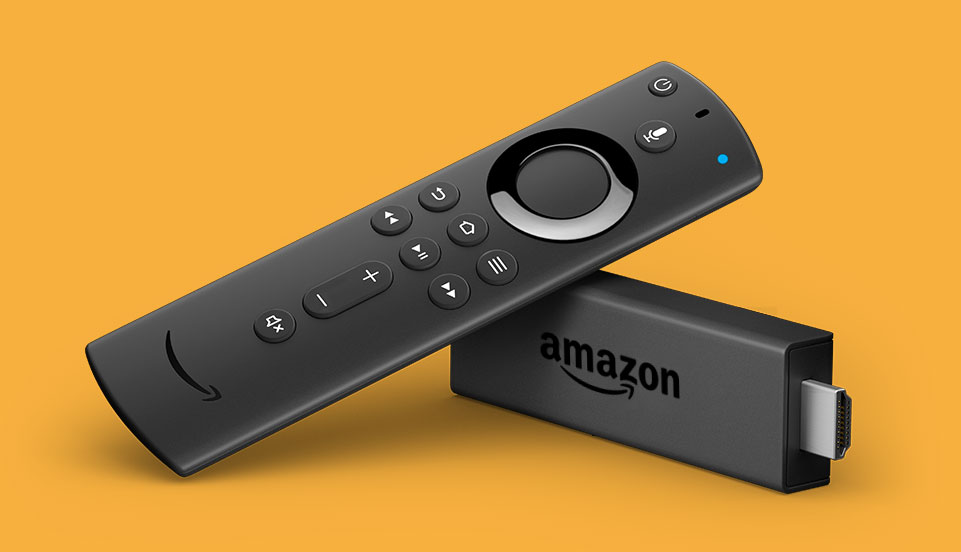
How to clear cache on the FireTV stick
- Go to Settings on your Fire TV.
- Select Applications.
- In Manage Installed Applications, select the app you are having trouble with.
- Select Clear Cache, and then Clear Data.
Why You Need a VPN
More users are finding it necessary to use a VPN to access our app due to increasing ISP limitations and throttling. Using a VPN is actually a good thing! It encrypts your connection, protects your privacy, and prevents your internet provider from seeing or slowing down your streaming traffic. This ensures a smoother, buffer-free experience.
We recommend using a reliable VPN like Proton VPN, which offers a completely free plan with unlimited data.
Get Proton VPN FreeStep-by-Step Installation Guide
- Go to the Find Tab: From your Firestick's home screen, navigate to the "Find" menu (magnifying glass icon).
- Open Appstore: Select the "Appstore" option.
- Search for Proton VPN: Use the search bar (or voice search, though it can be unreliable) to type "Proton VPN".
- Download the App: Select the official Proton VPN app from the search results and click "Get" or "Download".
- Launch the App: Once installed, open the Proton VPN app.
Watch this video for a demonstration of the installation process:
Report an Issue
Having technical difficulties? Let our full team know immediately so we can get you back to watching.
Open Help Request FormMedia Request
Don't see your favorite movie or show? Submit a request and we'll do our best to add it to the library.
Open Media Request Form